
Have you done a DNA test before?
Most people who have tested already have the file a report needs. Here's how to get yours, or how to get tested if you haven't.

Download your file from your account
Click your profile name at the top right, then Resources. Choose Browse Raw Genotyping Data, then Download, confirm your date of birth and submit the request. The file is usually ready in about a week, and sometimes takes up to 30 days.
Go to DNA Settings and pick your test. Under Download or Delete, choose Download DNA data, tick the box, click Continue, and verify with your password or an email code. The email can take up to 24 hours to arrive, and its link works once and expires after a week.
Hover over DNA and go to Manage DNA kits. Click the three dots beside your kit, choose Download, and follow the steps. The emailed link lasts 24 hours, and the download works on a computer or an Android device, not on an iPhone or iPad.
SelfDecode files work too. Tested somewhere else? Email info@noorns.com and we'll tell you whether your file works. We're adding more.
These steps come from each company's own help pages, checked in October 2026. When you generate your report, we show them to you again.
You might have a file already
Have you ever sent a saliva sample or cheek swab to 23andMe, Ancestry or MyHeritage, even one you got as a gift years ago? Then your file is waiting in that account. Sign in and follow the steps for your service.
Never tested? Start with a kit
We recommend MyHeritage DNA or AncestryDNA. Both let you download your raw data file, which is what your report reads.
MyHeritage says results take about 3 to 4 weeks after its lab gets your sample, and Ancestry says about 6. You can buy your report now and make it when your file arrives.
How it works
Three steps, and your DNA file never leaves your device.

Pick your report.
Check out, and we'll email you a link to sign in.


Read your report in a few minutes.
It's built in your browser as a PDF. Save it to your computer, because we don't keep a copy.
Your DNA never leaves your computer
Most services ask you to upload your genetic data to their servers. Noorns does not. The whole analysis runs inside your own browser, and your DNA file is never uploaded or stored.
All on your computer
Your DNA file
Stays on your computer, where you saved it.
Your browser reads it
The report is built right here, in your browser tab.
Three to ten minutes
Keep the window open while it runs.
Your report, as a PDF
Save it to your computer. Each purchase includes up to three report runs, for a retry, a lost PDF or an updated version.
We keep only what your order needs, like your name and email.
What you actually get
A short list of priorities. Recommendations are weighted by how strongly your genes point each way, backed by the specific variants behind them, and food comes first. Supplements are secondary, and only where the evidence supports them.
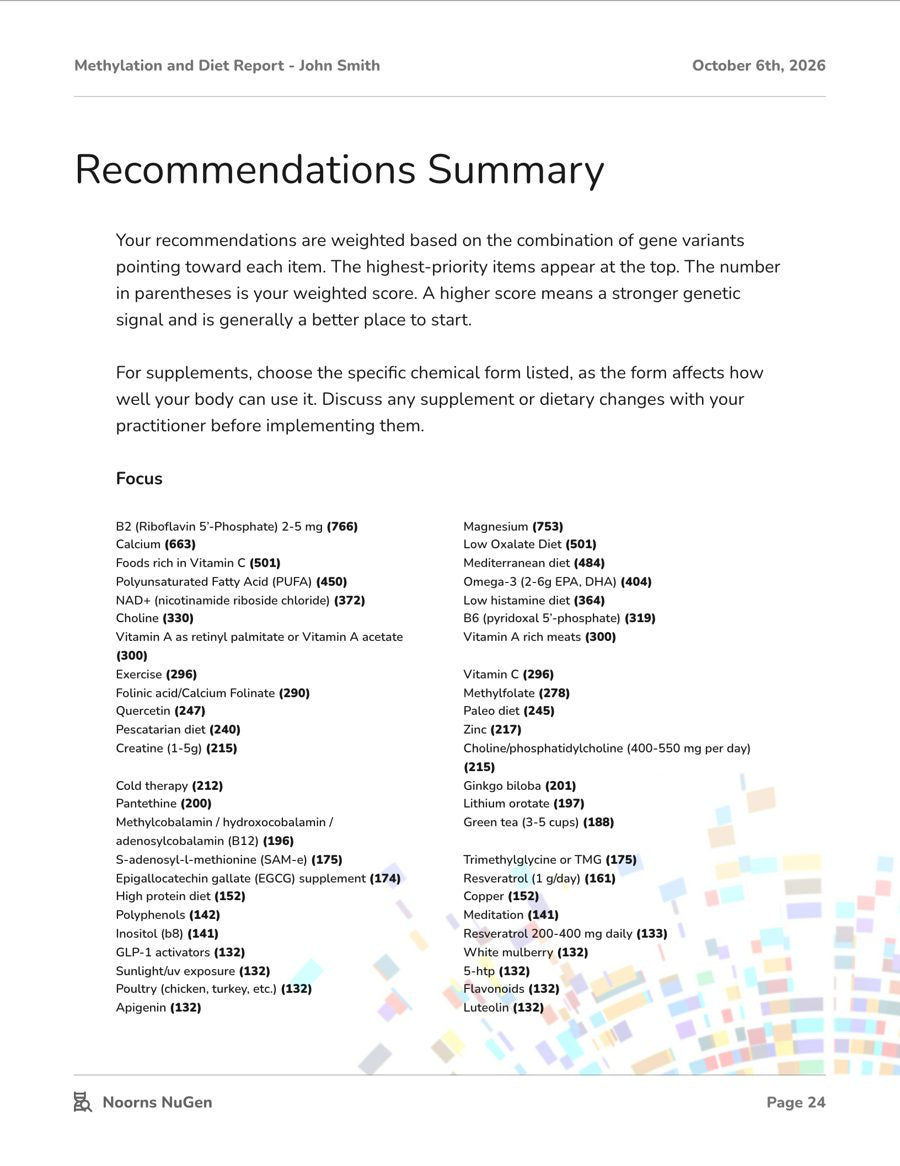
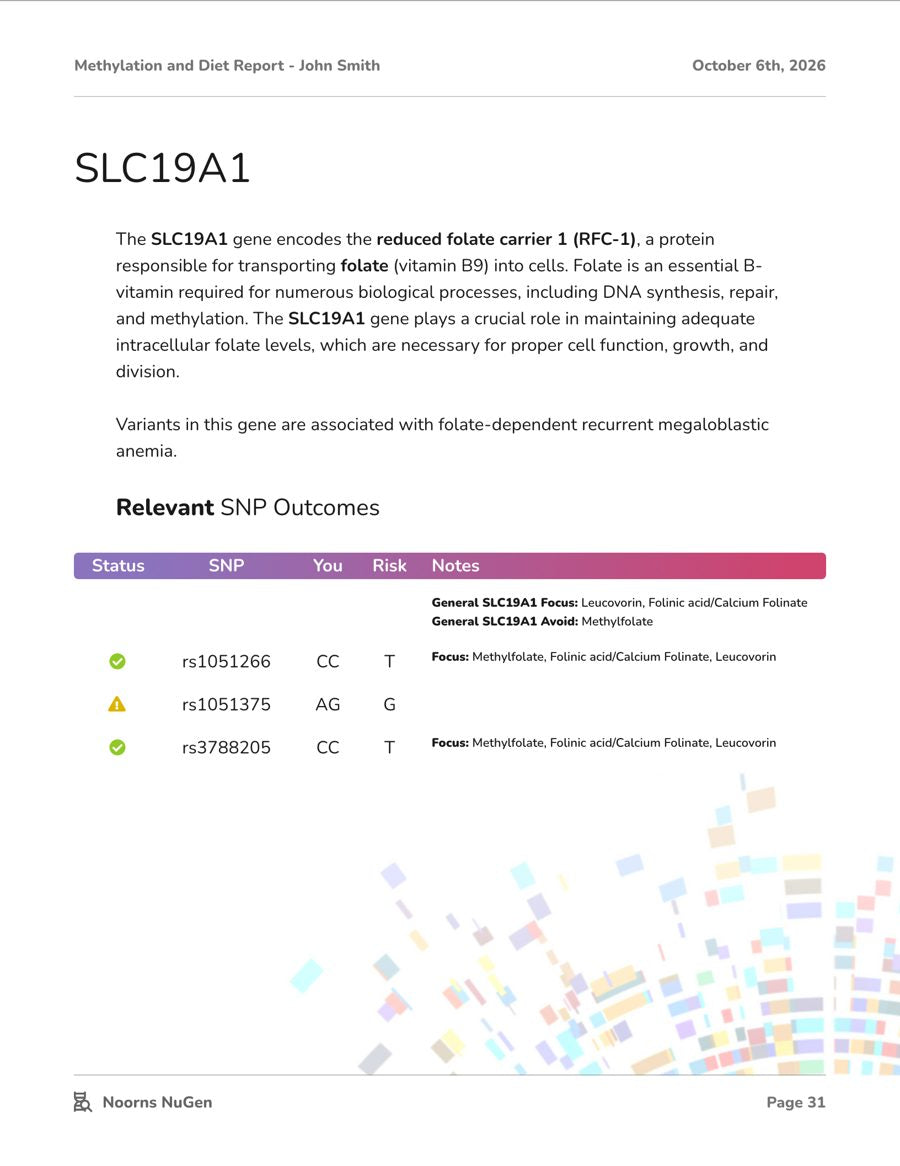

Pages from an example Methylation and Diet Report, made from a sample DNA file.
Ready to see what your DNA can tell you?
Your genes are not your fate, they are your foundation. Start with what you're dealing with, and we'll show you the reports that look at it.
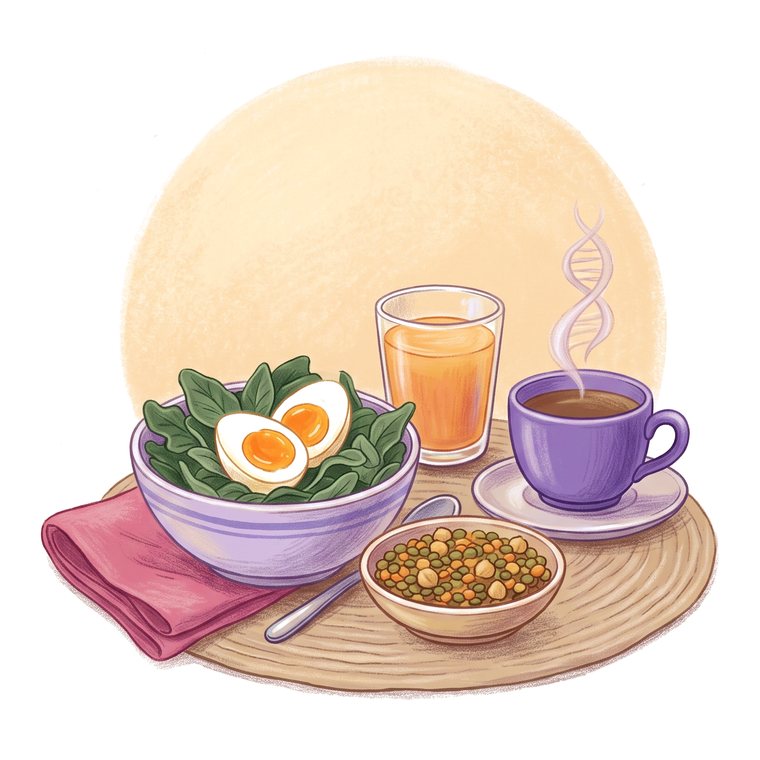
Energy and MTHFR
2 reports, from $29
- Methylation and Diet$29
- Stress and Energy$39

Stress, anxiety and sleep
2 reports, from $29
- Anxiety and Calm$69
- Sleep$29
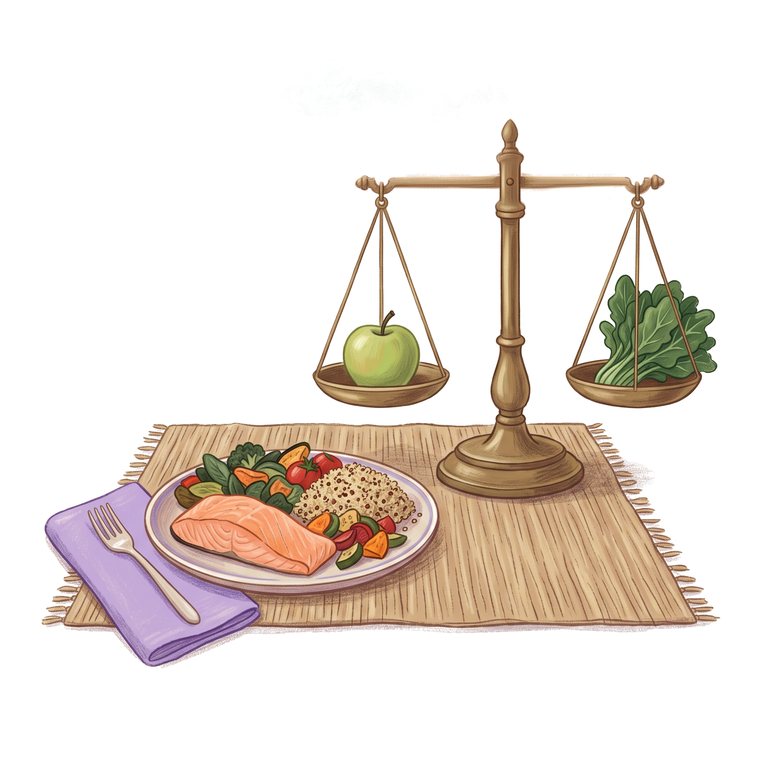
Weight and metabolism
1 report, $49
- Weight and Metabolism$49

Histamine and reactions
3 reports, from $49
- MCAS and Histamine$49
- Eczema and Skin$49
- Immune Balance$69

Memory and migraines
2 reports, $49 each
- Cognitive Health and Memory$49
- Migraine$49
Planning a pregnancy
2 reports, $99 each
- Female Fertility$99
- Male Fertility$99
Staying well as you age
1 report, $39
- Healthy Aging$39
Diagnosis or family history
3 reports, from $29
- Breast Health$49
- Mood Stability$29
- Schizophrenia Support$29
 Not sure where to start?
Most people start with the Methylation and Diet Report.
It's our broadest look at how your genes shape the way you use food: foods to favor, nutrients to watch and supplement priorities, ranked for you. The example report runs to 163 pages.
$29See the report Example report
Read an example report first.
See an example report, made from a sample DNA file, before you buy.
Get the exampleQuestions about your DNA file
Which DNA files work?
Raw data files from these services work today:
- 23andMe
- Ancestry
- MyHeritage
- SelfDecode
Tested somewhere else? Email info@noorns.com and we'll tell you whether your file works. We're adding more.
How do I get my raw data file?
Each service lets you download it from your account. The steps for 23andMe, Ancestry and MyHeritage are under Get your DNA file, near the top of this page.
Do I need a new DNA test?
Not if you've already tested with a consumer DNA service. Download your raw data file from that service and attach it when you generate your report. If you've never tested, we recommend a MyHeritage DNA or AncestryDNA kit.
Is this the same as 23andMe or Ancestry?
No. Those services give you ancestry and broad health results. Noorns reads the raw file they let you download and goes deep on nutrition: which foods, nutrients and supplements matter for your genes.
Is my DNA file uploaded anywhere?
No. Your report is built in your own browser, so your DNA file stays on your computer and is never uploaded or stored. We keep only what your order needs, like your name and email.
How long does it take?
Three to ten minutes, depending on your computer. Keep the window open while it runs.
Do you keep a copy of my report?
No. The report is made on your computer, so save the PDF when it's ready. Each purchase includes up to three report runs, for a retry, a lost PDF or an updated version.
Does it replace my doctor?
No. A report shows tendencies in your genes and gives you food and nutrient priorities to explore. It doesn't diagnose anything. Your genes point you to where to look, and lab work with a practitioner measures what's happening in your body today. Used together, each makes the other more useful.
More questions? See the full FAQ or email info@noorns.com.